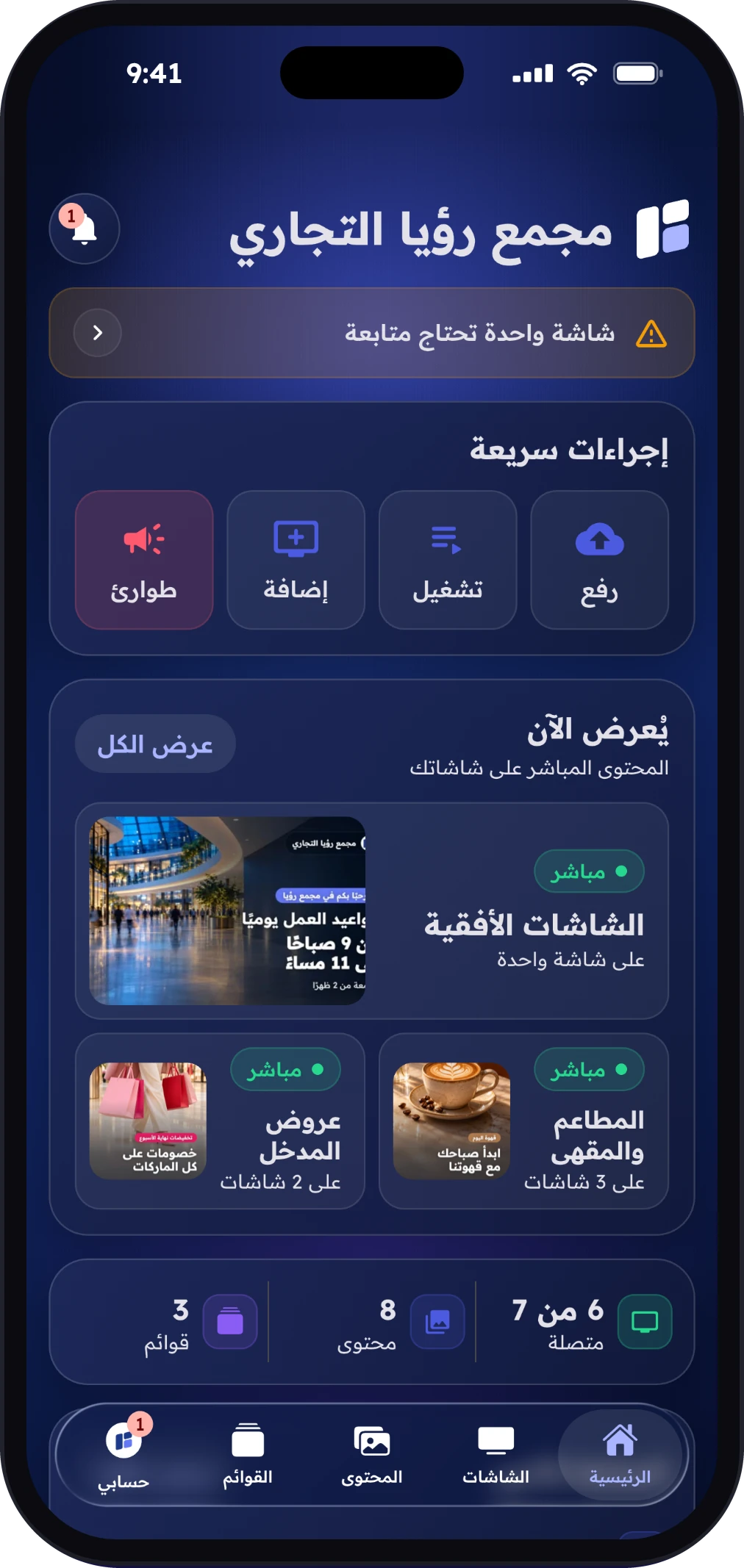
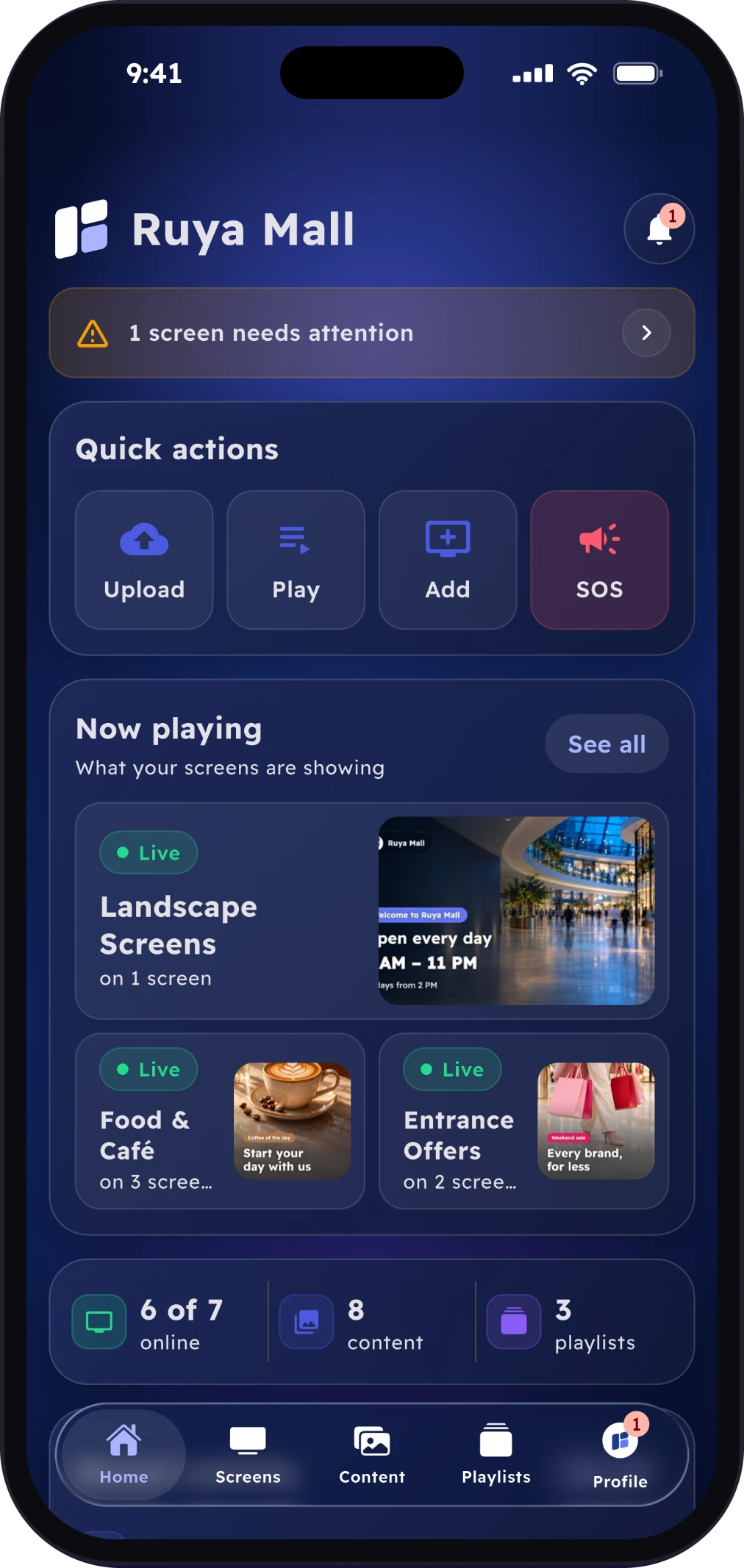
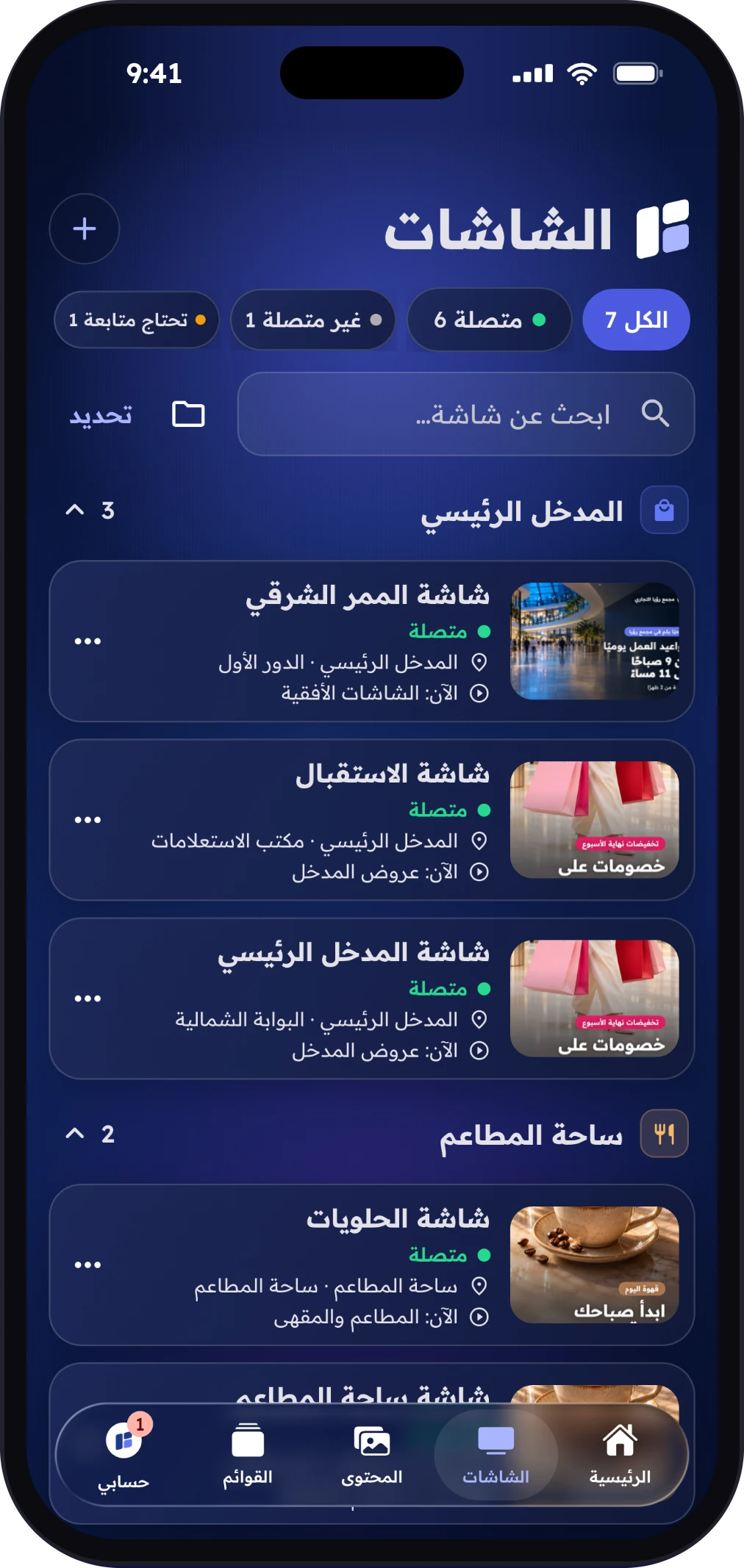
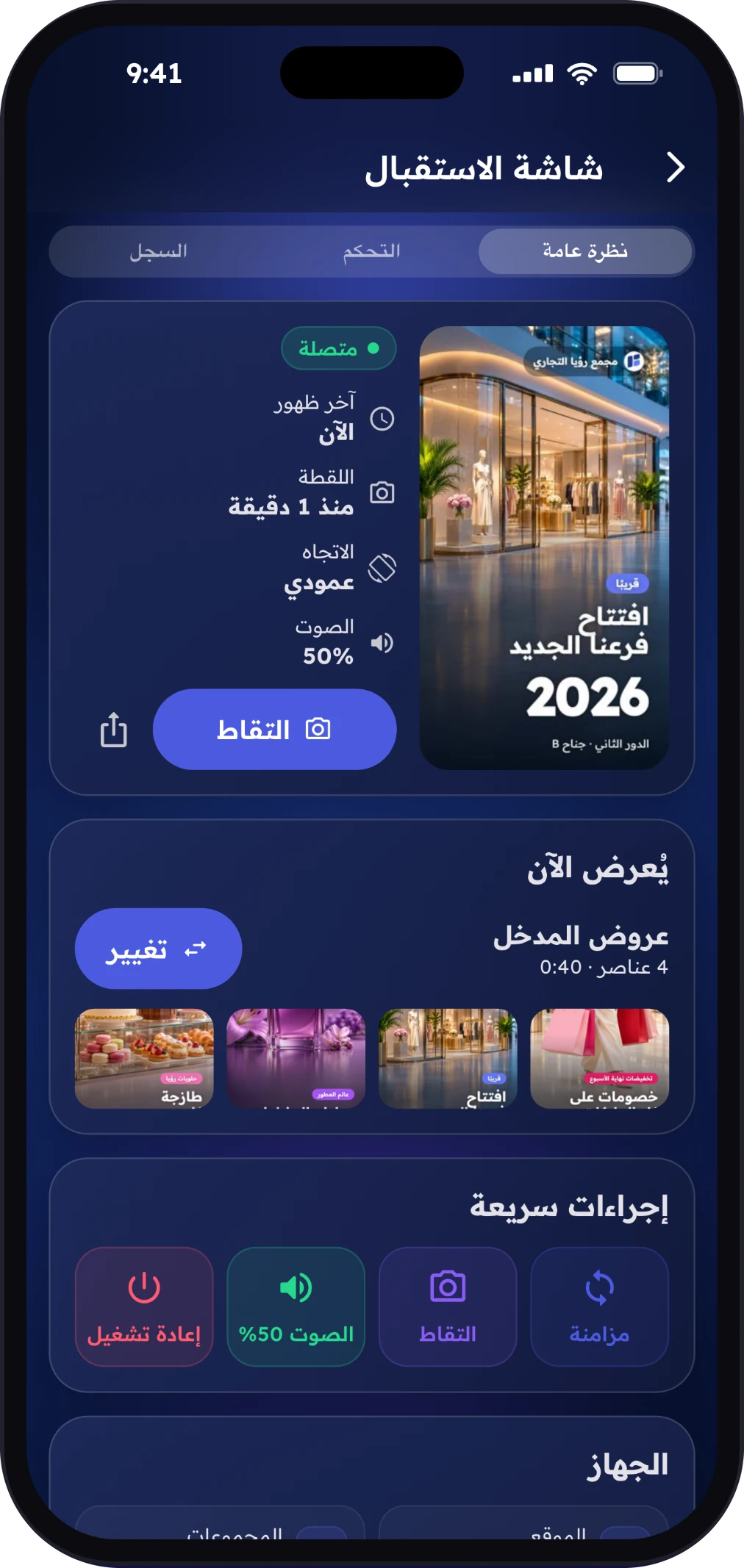
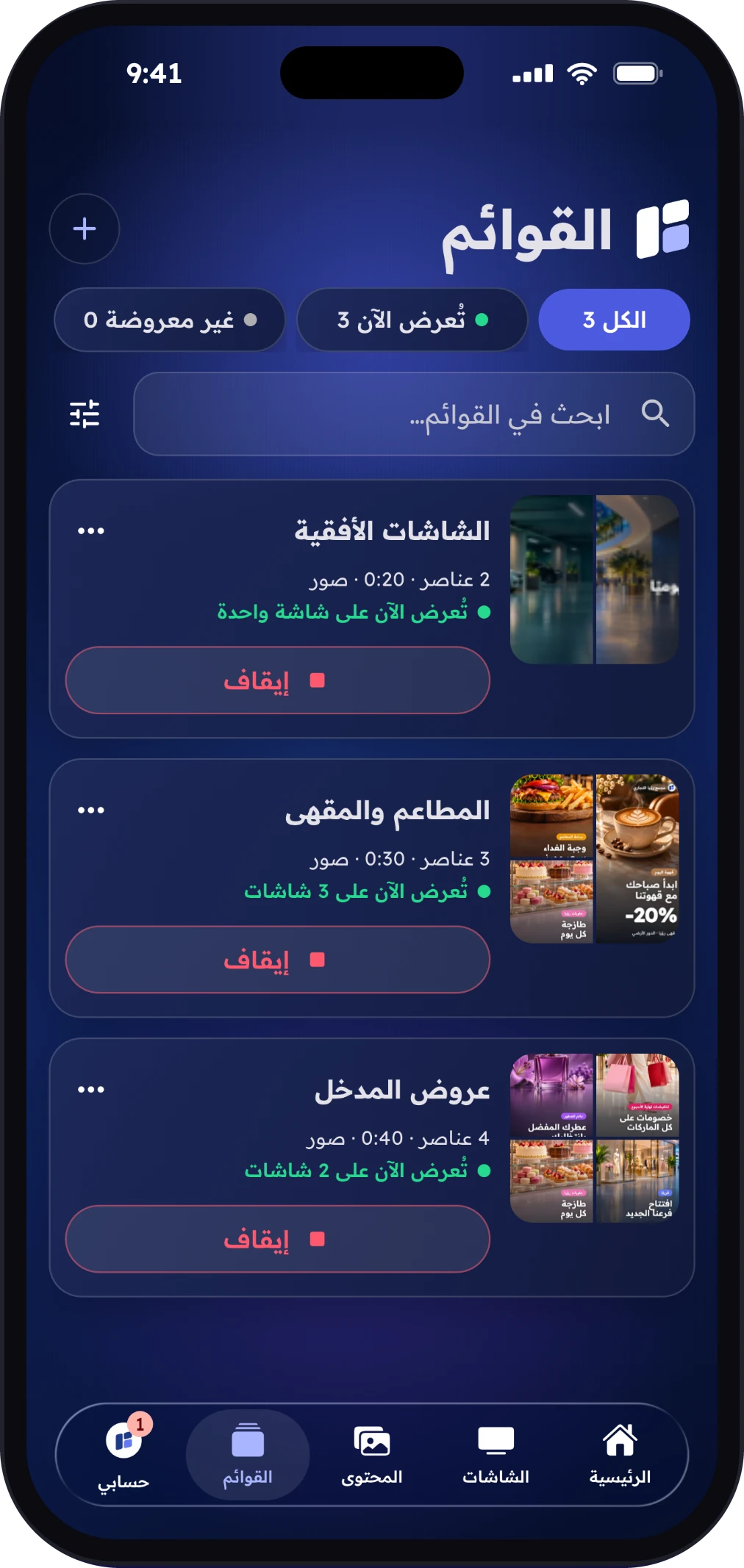
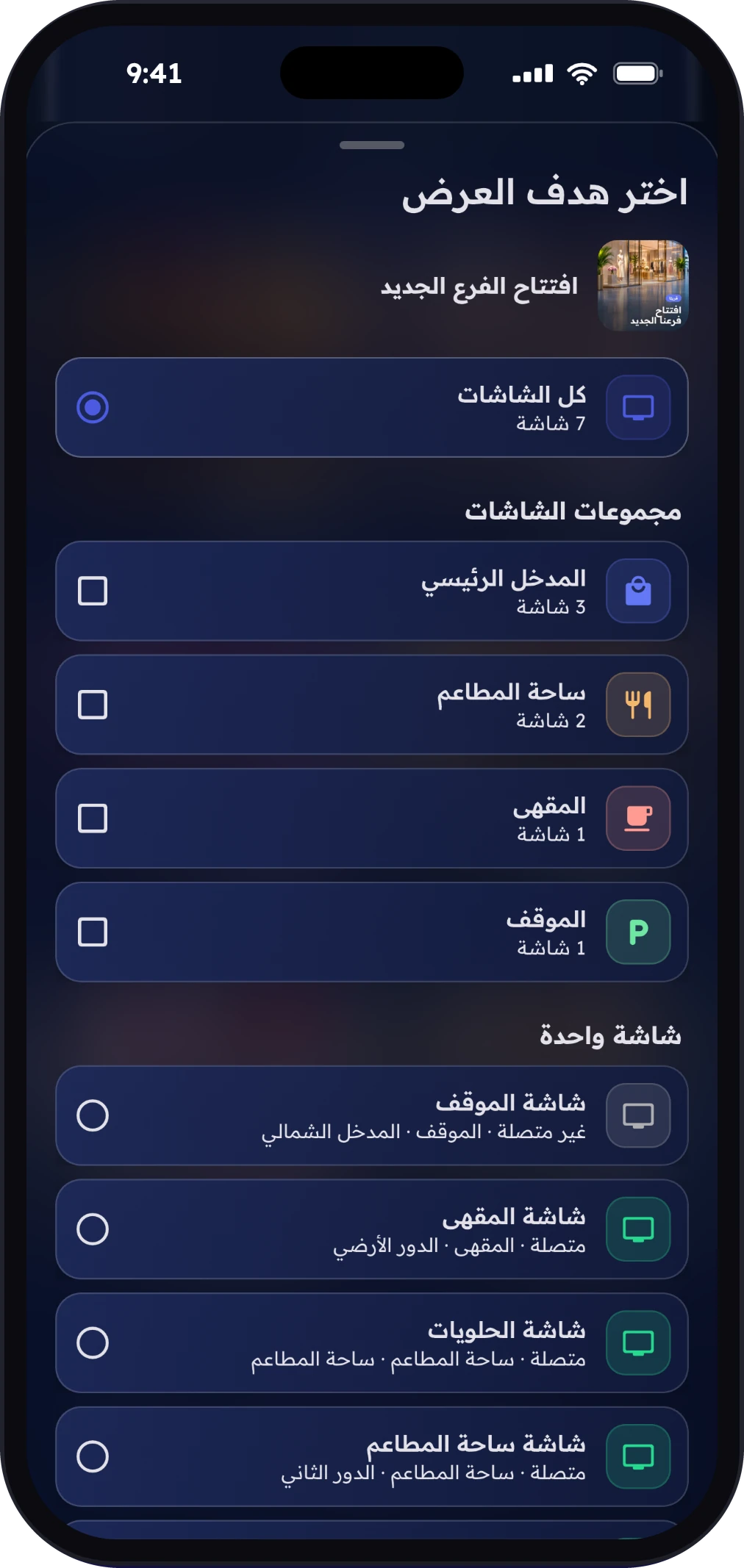
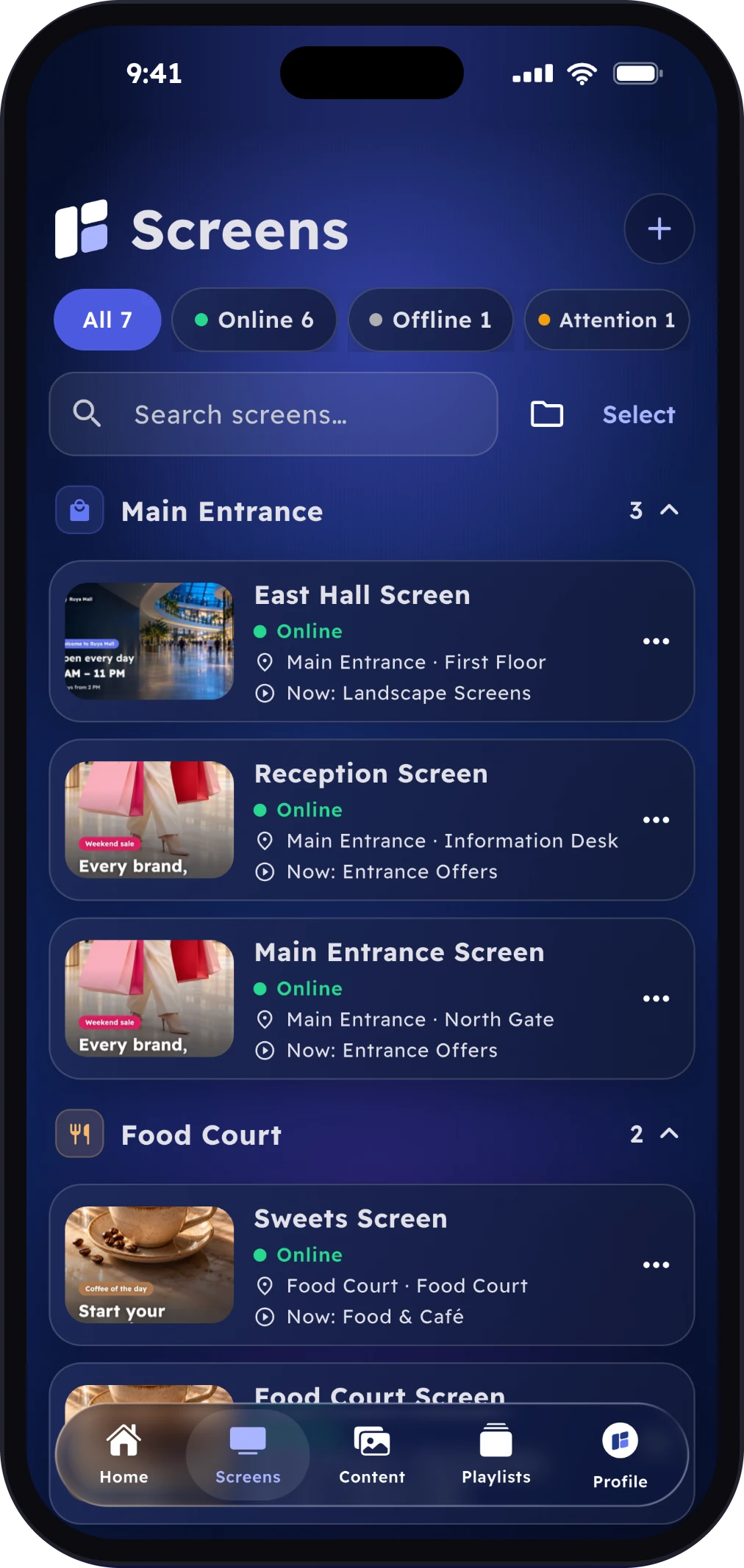
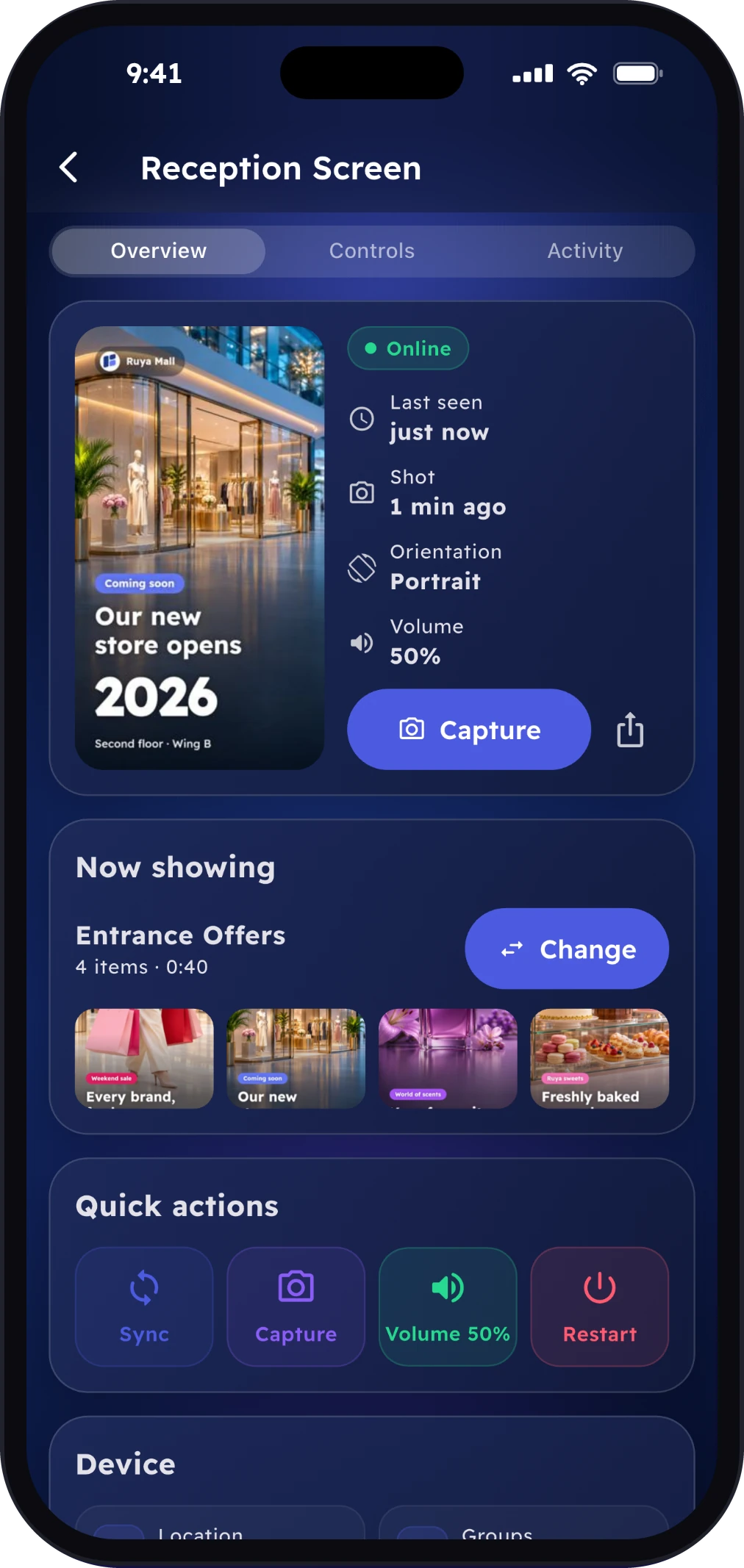
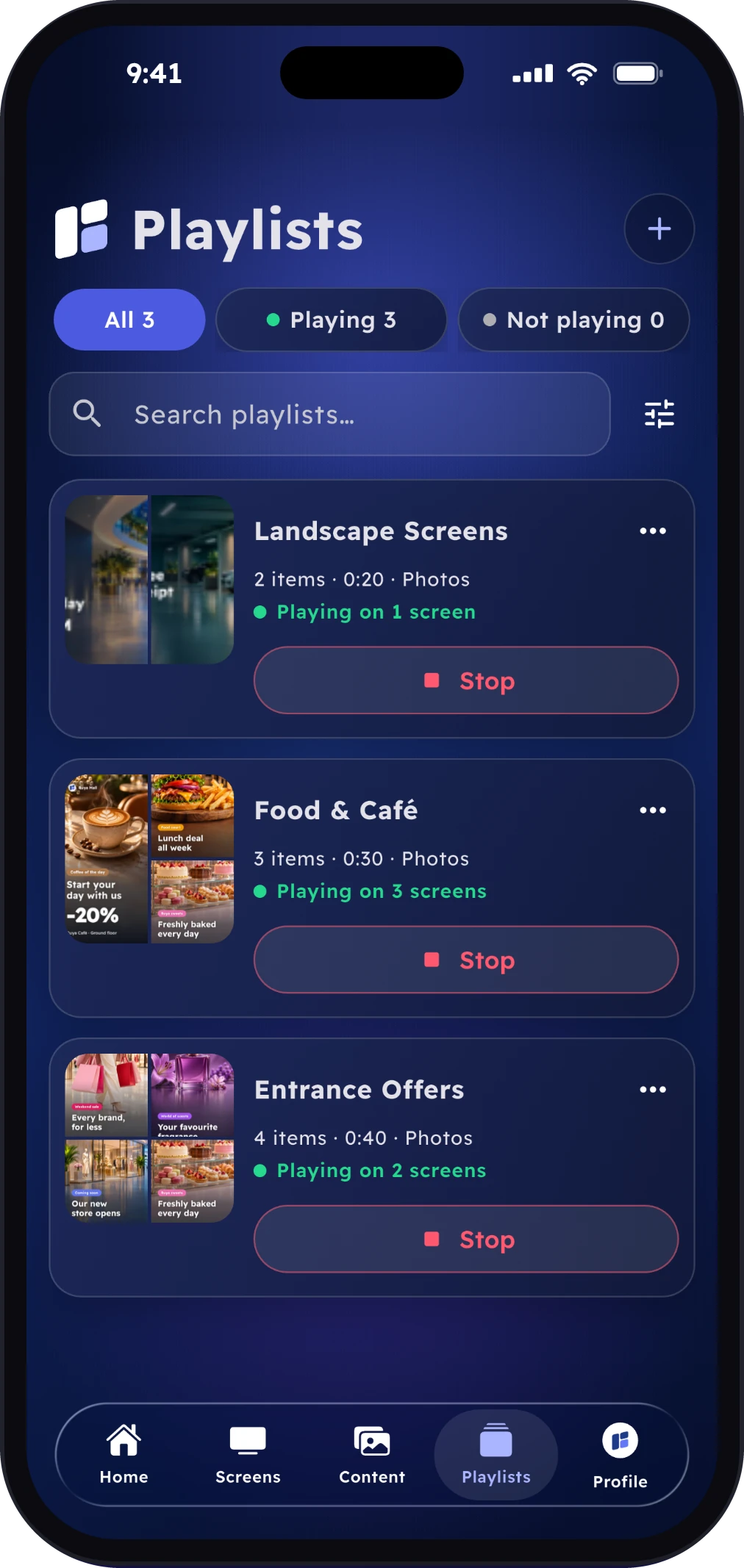
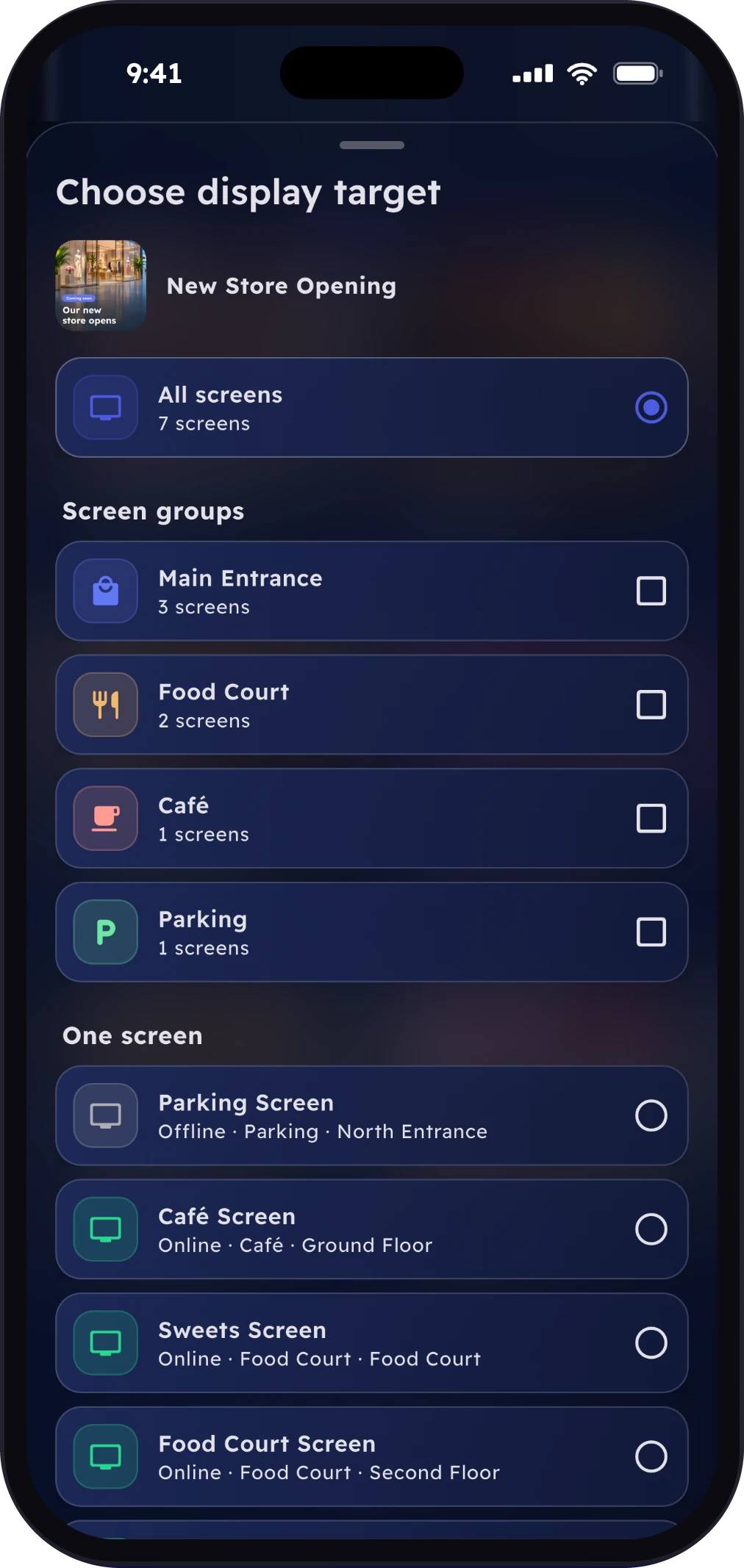
من شاشة في مدخل المبنى إلى عشرات الشاشات في مدن مختلفة، تديرها كلها من مكان واحد.
From one screen in the lobby to dozens across cities, all run from one place.
كيف تعمل
How it works
من التركيب إلى العرض في ثلاث خطوات.
From setup to playback in three steps.
بعد التركيب، كل تعديل يتم من هاتفك دون زيارة فنّي.
After setup, every change happens from your phone. No technician visit needed.
ركّب الشاشة
Set up the screen
تعمل رؤيا على شاشات أندرويد المتوافقة، بعد تثبيت مشغّل رؤيا عليها.
Ruya runs on compatible Android screens once the Ruya player is installed.
امسح الرمز
Scan the code
يظهر على الشاشة رمز QR؛ امسحه من التطبيق لتنضم الشاشة إلى حسابك.
The screen shows a QR code. Scan it in the app to add the screen to your account.
انشر المحتوى
Publish
اختر الصور والفيديو والشاشات، ثم اضغط «عرض».
Pick the images, videos and screens, then tap Play.
وكل ما تحتاجه أيضًا.
And everything else you need.
رسائل الطوارئ
Emergency messages
رسالة عاجلة تظهر فورًا على كل الشاشات، فوق أي محتوى.
An urgent message on every screen at once, above any content.
تنبيهات فورية
Instant alerts
يصلك إشعار عندما تنقطع شاشة أو تحتاج إلى متابعة.
Get notified when a screen goes offline or needs attention.
عمودية أو أفقية
Portrait or landscape
ترى المعاينة بشكل الشاشة نفسها، ويتكيّف المحتوى معها.
Previews match each screen's shape, and content adapts to it.
فريق وصلاحيات
Team and roles
أضف زملاءك، وحدّد من يدير، ومن ينشر، ومن يشاهد فقط.
Invite your team and choose who manages, who publishes, and who only views.
العرض لا يتوقف
Keeps playing offline
المحتوى محفوظ على الشاشة، فيستمر العرض لو انقطع الإنترنت.
Content is stored on the screen, so playback continues if the connection drops.
على خوادم مؤسستك
On your own servers
يمكن تركيب رؤيا على خوادم مؤسستك، فتبقى بياناتك لديك.
Ruya can run on your organization's own servers, so your data stays with you.
ابدأ مع رؤيا.
Start with Ruya.
أخبرنا بعدد شاشاتك وأماكنها، ونرسل لك عرض سعر يناسبك.
Tell us how many screens you have and where, and we'll send a quote that fits.